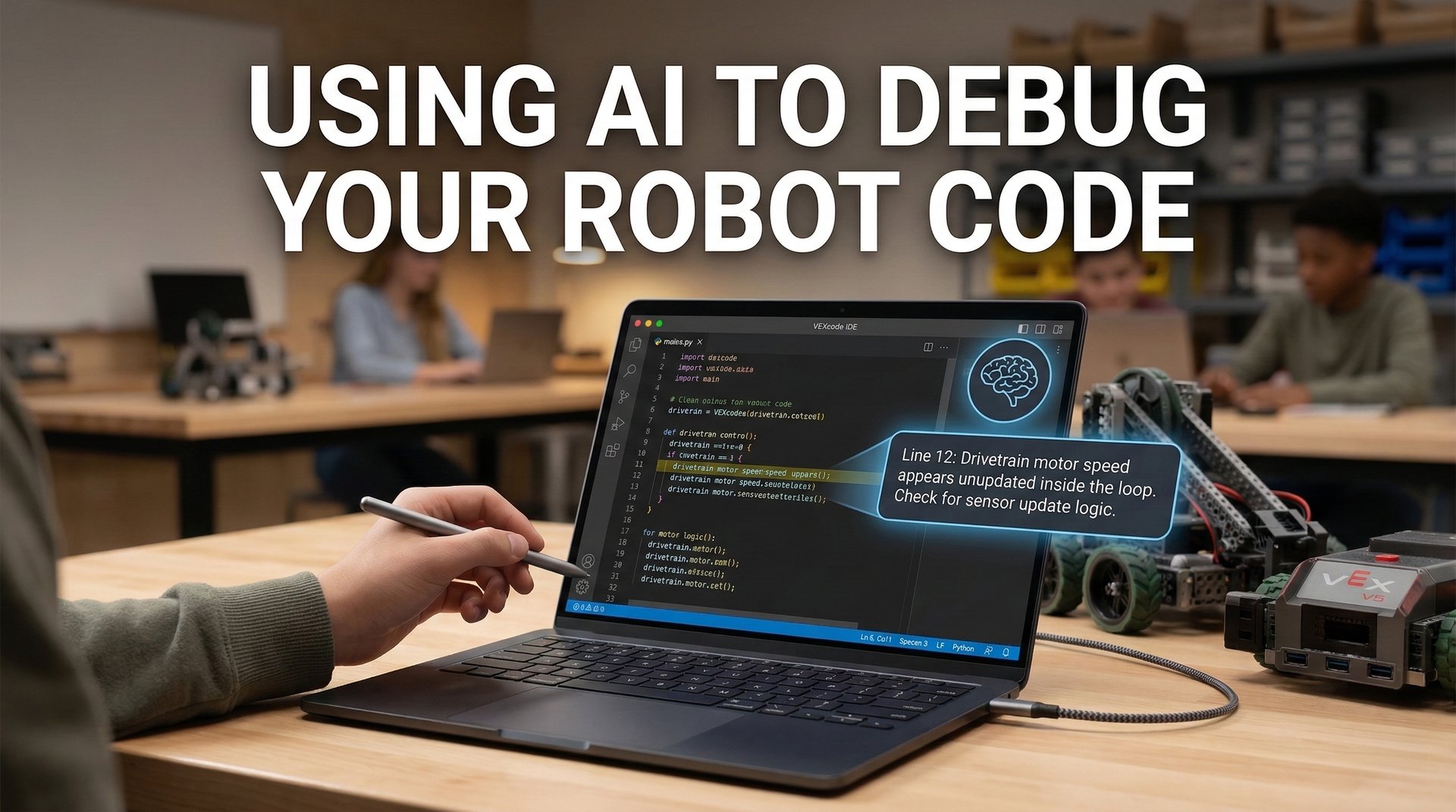
Your robot isn’t doing what you programmed it to do. You’ve stared at the code for twenty minutes. Everything looks right, but clearly something is wrong. This is the perfect moment to reach for an AI assistant—if you know how to use it correctly.
AI tools like ChatGPT, Claude, and Copilot can be incredibly helpful for debugging robot code. But they can also waste your time, give you wrong answers, or worse—do your thinking for you. Let’s talk about how to use AI as a tool, not a crutch.
When AI Actually Helps
AI assistants are genuinely useful for:
- Explaining error messages — “What does ‘index out of range’ mean?”
- Spotting obvious bugs — missing semicolons, wrong variable names, logic errors
- Reviewing your approach — “Does this logic make sense for a drivetrain?”
- Teaching concepts — “How does a PID loop work?”
- Translating between languages — “How would I write this Python code in C++?”
The key pattern: AI is best when you already know what you’re trying to do, and you need help with how to do it.
When AI Makes Things Worse
AI will hurt more than help when:
- You don’t understand the question — If you can’t describe the problem, AI can’t solve it
- The bug is hardware-related — AI can’t see that your motor is plugged into the wrong port
- You accept answers without understanding — Copy-paste debugging teaches you nothing
- The context is missing — AI doesn’t know your robot’s design or game strategy
Here’s the uncomfortable truth: if you paste code and say “fix this,” you might get working code—but you won’t learn why it works, and you’ll hit the same problem next time.
Good Prompts vs. Bad Prompts
The quality of your question determines the quality of the answer. Here’s what works:
Bad Prompts
| Prompt | Why It Fails |
|---|---|
| ”My robot doesn’t work” | No useful information |
| ”Fix this code” | AI becomes a crutch, not a teacher |
| ”Write me an autonomous routine” | Doing the work for you |
Good Prompts
| Prompt | Why It Works |
|---|---|
| ”My robot turns right when I tell it to go forward. Here’s my code. What might cause this?” | Specific symptom, provides context |
| ”Can you explain what this while loop is doing line by line?” | Learning-focused |
| ”I wrote this PID controller but the robot oscillates. What values should I check first?” | Shows your attempt, asks for direction |
Pro Tip: Share Text-Based Code
If you’re using VEXcode’s block-based programming, here’s something important: AI can’t easily read block code from screenshots.
But VEXcode has a solution. You can switch between Blocks and Text view in the editor. When you need AI help:
- Click the “Text” tab in VEXcode to see your blocks as Python or C++ code
- Copy that text-based code
- Paste it into your AI conversation
This gives AI something it can actually read and analyze. And here’s the bonus: you’ll start learning what your blocks look like in real code. It’s a natural way to transition from blocks to text-based programming when you’re ready.
The Debug Conversation Template
When you’re stuck, try this format:
I'm working on: [what you're trying to achieve]

My code does: [what actually happens]

I expected it to: [what should happen]

I've already tried: [what you've checked]

Here's the relevant code:
[paste code]

What should I investigate next?
Notice that last line. You’re asking for direction, not a solution. This keeps you in the driver’s seat.
A Real Example
Let’s say your autonomous doesn’t drive far enough. Here’s how to ask:
Weak prompt:
“My robot doesn’t drive the right distance, fix it”
Strong prompt:
“My VEX IQ robot should drive forward 1000 motor degrees, but it stops around 800. I’m using a while loop that checks motor position. The motor is set to ‘brake’ mode. Here’s my code:
while (LeftMotor.position(degrees) < 1000) { ... }I’ve checked that my motor is plugged in correctly. What could cause it to stop early?”
The strong prompt gives AI everything it needs to help you think through the problem—motor position vs. rotation, stopping mode, loop conditions.
What to Do With the Answer
When AI suggests something:
- Read the explanation, not just the code — If there’s no explanation, ask for one
- Ask “why” — “Why would changing this fix the problem?”
- Test one change at a time — Don’t paste a completely rewritten function
- Check if it makes sense — AI can be confidently wrong
If the suggestion doesn’t work, go back and give more information. “That didn’t fix it. The robot still stops at 800 degrees. What else could it be?”
Building Real Skills
The goal isn’t to get your code working once. The goal is to understand your code well enough to fix it yourself next time.
Use AI to:
- Learn debugging strategies you can reuse
- Understand why bugs happen, not just how to fix them
- Build mental models of how your robot’s code works
Avoid using AI to:
- Skip the struggle that builds real understanding
- Get answers without asking questions
- Replace learning with copy-paste
The 10-Minute Rule
Before reaching for AI, spend at least 10 minutes:
- Read the error message carefully — What does it actually say?
- Add print statements — What values do your variables have?
- Check the simple stuff — Right ports? Right motors? Right units?
- Explain the code out loud — Often you’ll catch the bug yourself
If you still can’t figure it out after 10 minutes of focused debugging, then AI becomes a reasonable next step.
The Competition Reality
At a VEX tournament, you won’t have time to consult AI. You need to debug under pressure, with noise, with 3 minutes until your next match. The debugging skills you build by struggling through problems—with AI as a guide, not a crutch—are what will save you on competition day.
AI is a powerful study partner, but a terrible substitute for understanding. Learn to ask better questions, and you’ll become a better programmer—with or without AI.