
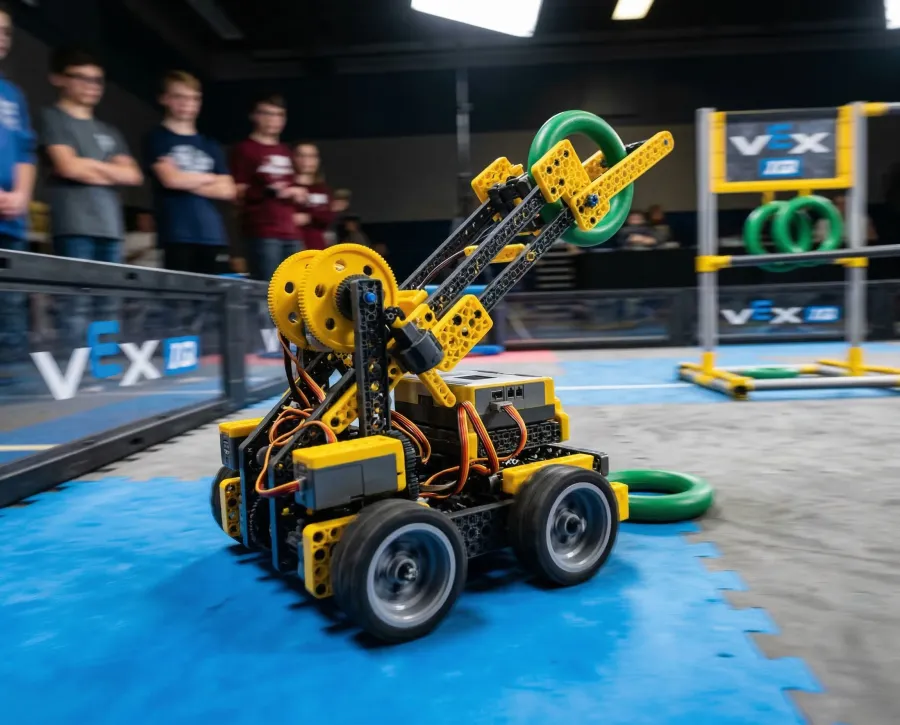
01 Ages 6-14
Robotics
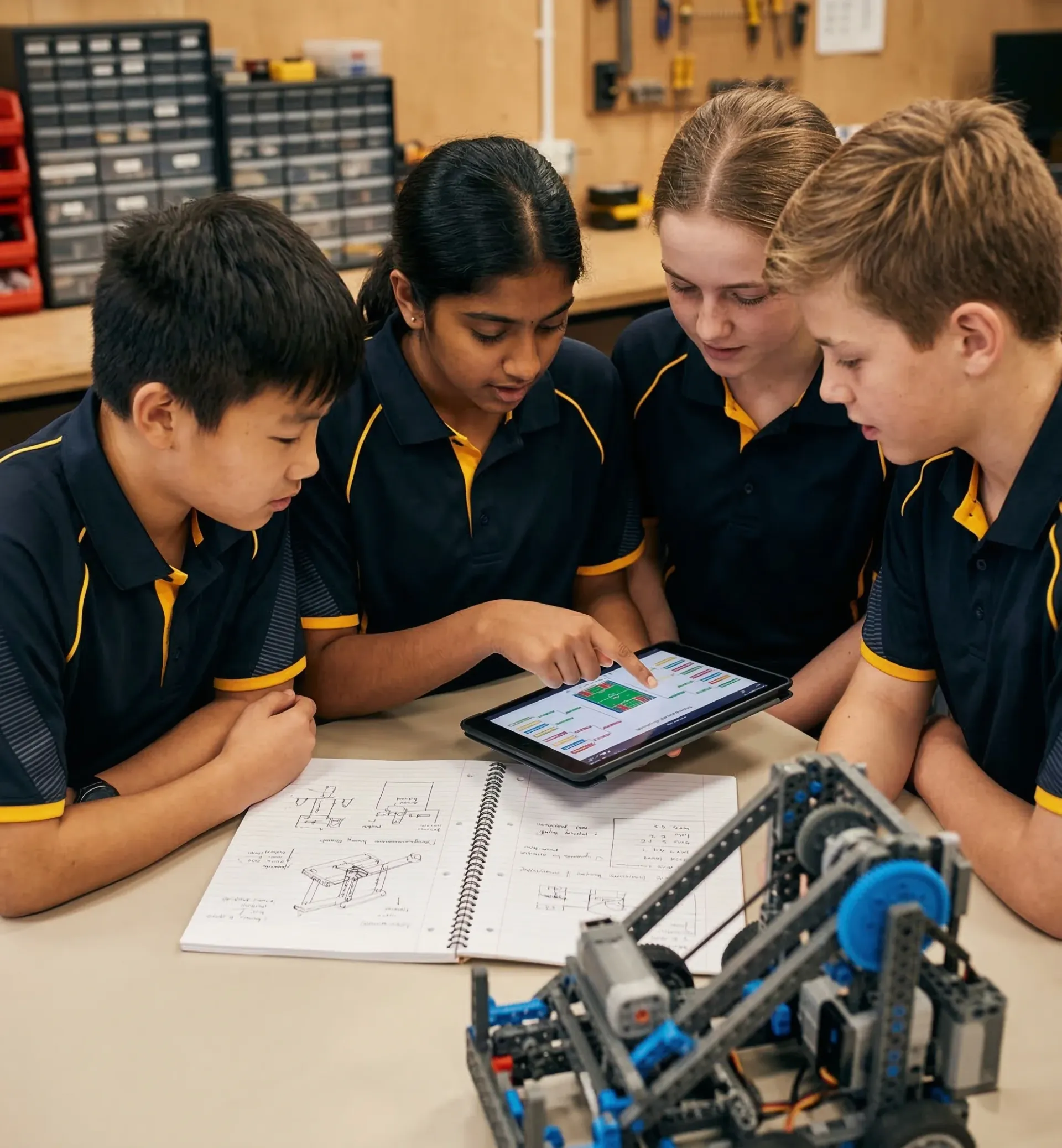
Hands-on robot building and programming through VEX IQ. Students develop engineering thinking, problem-solving, and teamwork skills.
STEM Labs → Competition Training → VEX V5
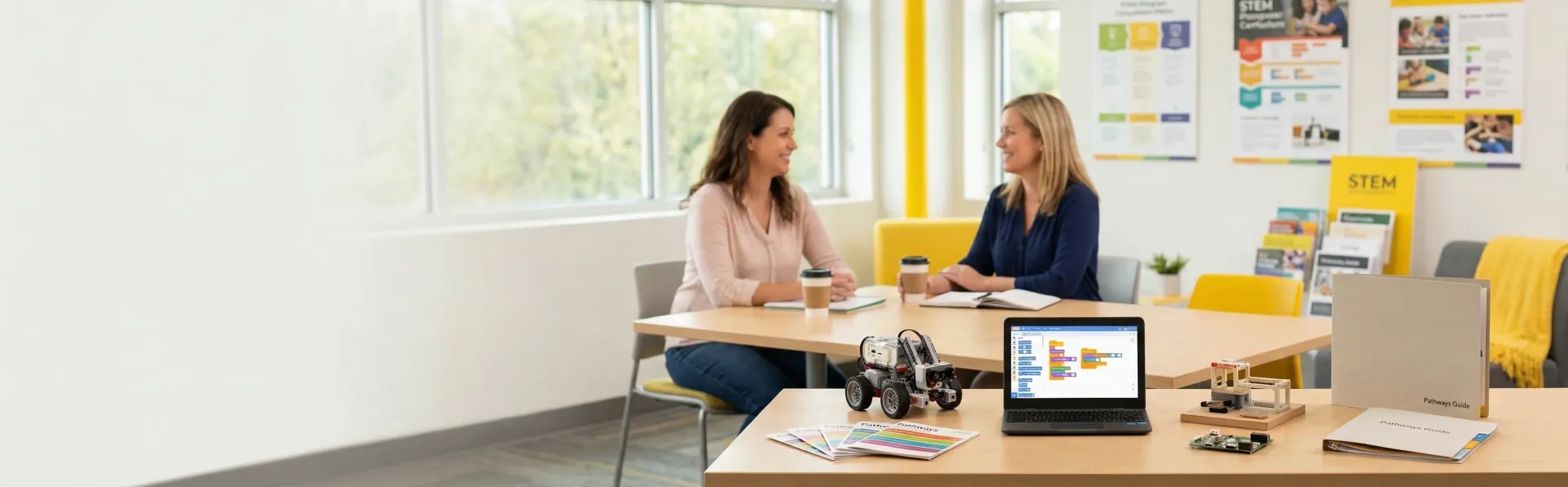
Choosing among Robotics, Coding, Maker, and High School Portfolio can feel confusing. This guide answers the most common parent questions to help you find the right fit for your child.
Hands-on robot building and programming through VEX IQ. Students develop engineering thinking, problem-solving, and teamwork skills.
STEM Labs → Competition Training → VEX V5
From block-based programming to Python and AI. Students learn computational thinking and build real software projects.
Block Coding → Python → AI Project Lab
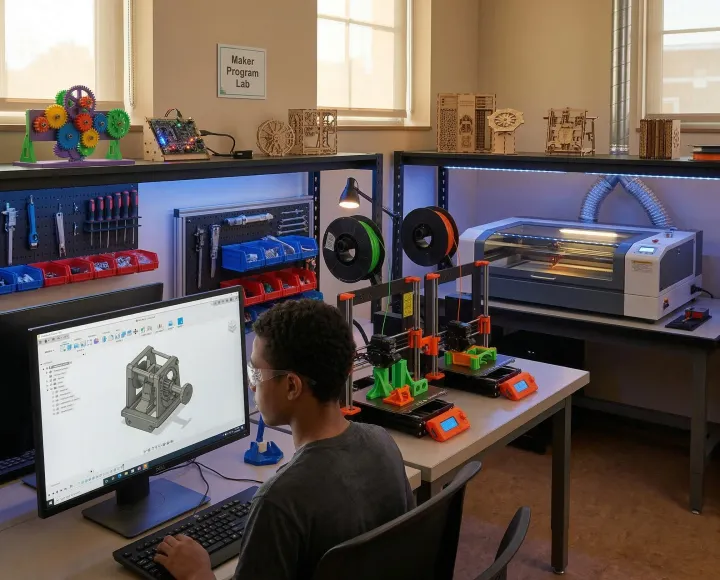
Creative engineering projects including 3D printing, building robotic arms, and electronics. Perfect for students who love building and inventing.
3D Jr → Explorer → Advanced | Robotic Arm → Robotic Arm Adv
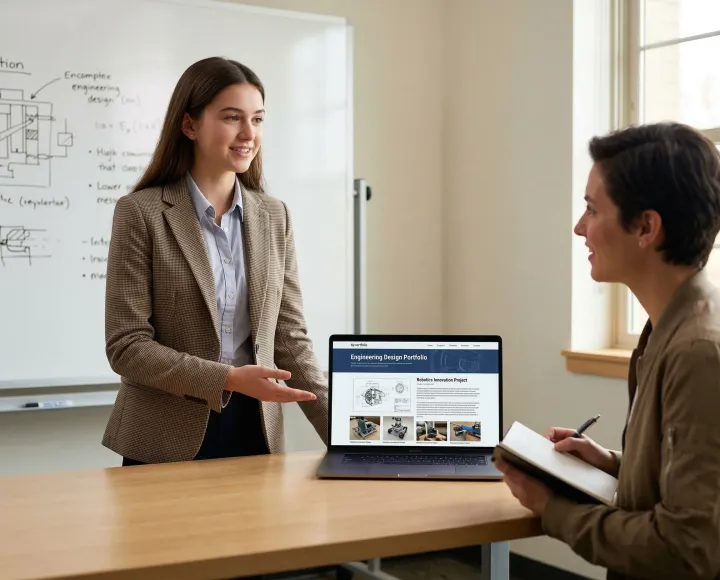
Long-term project development for university applications and career readiness. Students build impressive portfolios with real-world impact.
Foundation → Capstone Project
Start by observing your child's interests. If they enjoy building physical things and working with their hands, Robotics or Maker programs are excellent fits. If they're drawn to screens, games, or logical puzzles, Coding may be ideal. For high schoolers thinking about university, the Portfolio pathway offers structured project development. You can also book a free assessment where we evaluate your child's interests and recommend the best starting point.
Robotics combines mechanical building with programming—students construct robots and code them to complete challenges. Coding focuses purely on software development, from visual block coding to Python and AI. Maker emphasizes creative engineering with tools like 3D printers and laser cutters. High School Portfolio is a structured pathway for older students to build impressive projects for university applications. Each pathway develops different skills, and many students explore multiple pathways over time.
No prior experience is required for any of our beginner programs. Our STEM Labs, introductory coding classes, and Maker Jr programs are designed for complete beginners. We assess each student individually and place them in the appropriate level based on their current abilities, not their age or grade.
We offer a free assessment to determine the best starting point. During this session, we evaluate your child's current skills, interests, and learning style. We then recommend a specific program and level. If you're unsure, starting with a trial class is a great way to see how your child responds before committing.
Not at all. Our programs are designed to build STEM skills, not require them as a prerequisite. Many students who struggle with traditional math or science classes thrive in our hands-on environment because they can see the real-world application of concepts. We meet students where they are and help them grow from there.
Many of our most successful students started out shy or uncertain. Our smaller class sizes and supportive coaching environment help quiet students find their voice. In robotics especially, students often discover confidence through their accomplishments—when their robot succeeds, their confidence grows naturally. We focus on individual growth, not just competition results.
Students learn to design, build, and program robots using the VEX IQ or VEX V5 platforms. This includes mechanical engineering concepts (gears, motors, structural integrity), programming logic (sensors, conditionals, loops), and essential soft skills like teamwork, problem-solving under pressure, and iterative design. Many students also develop project management and communication skills through competition preparation.
Most students start between ages 7-10 with our STEM Labs or Robot Explorers programs. However, we've successfully introduced students as young as 6 and as old as 14 to beginner robotics. The key factor is interest and readiness, not age. Our free assessment helps determine the right entry point for your child.
Yes, programming is a core component of robotics. Students learn to code their robots using VEXcode, which offers both block-based and text-based programming options. As students advance, they transition from visual blocks to Python-based programming for more sophisticated robot behaviors and autonomous routines.
No, competition is optional. Our STEM Labs programs provide hands-on robotics education without the competitive element. However, many students do choose to join competition teams because it provides clear goals, exciting events, and opportunities to test their skills against peers. We support both competitive and non-competitive learning paths.
STEM Labs is our introductory program focusing on robotics fundamentals in a relaxed, exploratory environment. Robot Explorers is designed for younger students (ages 6-8) with age-appropriate challenges. Competition Training is for students who want to compete in VEX IQ or VEX V5 tournaments—it includes more intensive practice, strategy development, and event preparation. Students typically progress from STEM Labs to Competition Training as their skills and interest grow.
Students can advance within robotics from VEX IQ (elementary/middle school) to VEX V5 (high school level). Many robotics students also branch into Coding programs to deepen their programming skills, or explore Maker programs to work on different engineering projects. High schoolers often transition to the Portfolio pathway to develop capstone projects that showcase their robotics experience for university applications.
Our coding programs cover computational thinking, programming fundamentals, and practical software development. Students start with visual block-based coding to understand logic concepts, then progress to Python for real-world programming. Our AI Project Lab track teaches students to use AI as a development partner to build and ship real products — from web applications to AI-powered tools. The focus is on product thinking and project outcomes, not just technical skills.
For most students under 10 or those new to programming, we recommend starting with block coding. Visual blocks make abstract programming concepts tangible and reduce frustration from syntax errors. Students typically transition to Python once they've mastered programming logic through blocks. However, older beginners (12+) can sometimes start directly with Python if they're comfortable with typing and have strong logical reasoning skills.
No, Robotics and Coding are independent pathways. Students can start with either one based on their interests. Some students prefer the physical, hands-on nature of robotics, while others are drawn to pure software development. Many students eventually explore both pathways because the programming skills transfer well between them.
Traditional coding classes focus on programming fundamentals—variables, functions, loops, and building software from scratch. AI Project Lab is a product-focused pathway where students use AI and coding to build real projects, ship products, and develop a portfolio. It's not about memorizing syntax — it's about turning ideas into working products using AI as a development partner. Students should have basic programming knowledge before starting the AI Project Lab pathway.
Students who enjoy logical puzzles, games, creative problem-solving, or spending time on computers tend to excel in coding. However, we've seen students from all backgrounds succeed. The most important factor is interest and willingness to persist through challenges. Coding rewards patience and iteration—students who can embrace the debugging process often surprise themselves with what they can build.
Students work on creative engineering projects using tools like 3D printers, electronics, and microcontrollers. Our 3D Design track (Jr, Explorer, Advanced) teaches CAD modeling and 3D printing, while our Robotic Arm track has students build and program six-joint robotic arms with servo motors and touchscreen controls. The emphasis is on the design process: ideating, prototyping, testing, and refining.
While both are hands-on, Robotics focuses specifically on building and programming robots for defined challenges. Maker is broader—students explore various engineering disciplines and create diverse projects based on their interests. Robotics has more structure (especially in competition tracks), while Maker encourages open-ended creativity. Some students prefer the clear goals of robotics; others thrive in the creative freedom of maker projects.
Absolutely. Maker programs are perfect for students who love creating and building but aren't interested in the competitive aspects of robotics. There's no tournament pressure—just the satisfaction of bringing ideas to life. Students set their own project goals and work at their own pace to achieve them.
Our Maker labs include 3D printers for creating custom parts and objects, servo-driven robotic arms, basic electronics components, Arduino microcontrollers, touchscreen displays, and various hand tools. Students learn to select the right tool for each project and often combine multiple technologies in their creations.
The High School Portfolio pathway is a structured program for students in grades 9-12 who want to build impressive, substantive projects for university applications, scholarships, and future careers. Unlike regular classes, this pathway focuses on long-term project development with mentorship, allowing students to create work that demonstrates real skills and initiative.
This pathway is ideal for motivated high school students who want more than just participation—they want tangible outcomes to showcase. It's particularly valuable for students targeting competitive university programs, those interested in STEM careers, or anyone who wants structured guidance in developing a professional-quality project portfolio.
Regular classes teach skills through structured curriculum and exercises. The Portfolio pathway applies those skills to substantial, self-directed projects. Students receive mentorship rather than instruction, work on longer timelines (semesters rather than sessions), and produce deliverables suitable for real-world audiences—university admissions officers, scholarship committees, or potential employers.
Projects vary based on student interests and goals. Examples include developing original software applications, conducting engineering research, building advanced robotics systems, creating AI-powered tools, or designing and fabricating physical products. The key is that projects demonstrate initiative, technical skill, and real-world relevance.
Yes, that's a primary purpose. University admissions increasingly value demonstrated skills over just grades and test scores. A strong portfolio of completed projects provides concrete evidence of capabilities and passion. Students in this pathway have successfully used their projects in applications to competitive engineering and computer science programs.
Book a free assessment and let us help you find the perfect program for your child. Our team will evaluate interests, current skills, and goals to recommend the best pathway.